Getting started
- Fill out the adoption form at learn.zybooks.com/adopt.
- Combining more than one zyBook
- LTI integration – get a one-on-one appointment: email support@zybooks.com
- Copy directions for your students to get started
- Add a TA, and set their permissions
- ISBNs change every year! See how to find your zyBook’s ISBN (GIF)
- Start with a zyBooks/zyVersion general onboarding recording
Customize your zyBook
- Create assignments in your zyBooks with due dates
- Create your own sections and chapters
- Add video, pictures, multiple-choice learning questions, and custom labs
- NEW! zyBooks assessments – reference this guide for an easy setup. Students will be able to begin an assessment from your LMS or from inside the zyBook.
Add labs – ours or your own
- Clone existing zyLabs and modify them
- Create or upload your existing labs
- Customize unit tests and autograding
- Add manual grading
- Optimize office hours
- Student Behavior Insights
- NEW! AI Hints and AI lab creation tool featured in our zyLabs User Guide and in our AI resource page
- ON DEMAND! Watch a recording:
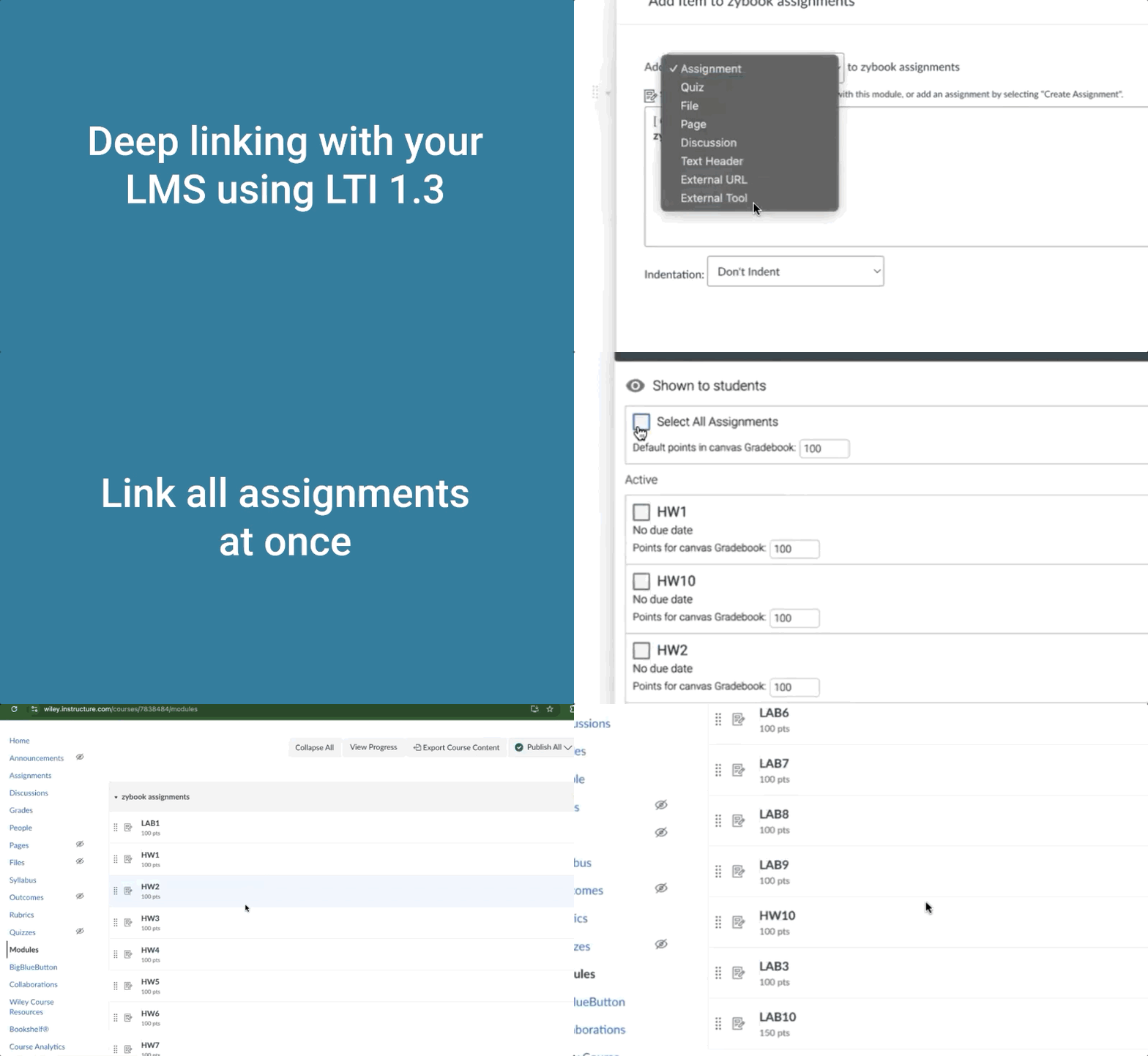
LTI integration – we’re here to help
- Schedule an LTI (Learning Tool Interoperability)/LMS (Learning Management System) integration meeting with one of our experts
- Get upgraded to LTI 1.3 with the help of your university’s IT department or LMS administrator, and set up an LTI 1.3 Deep Link Configuration
- ON DEMAND! Watch an LMS integration recording:
For your students
- Payment, financial aid, refunds, etc.
- Getting started guide for students
- Need help? email support@zybooks.com